Request early accessEarly access

/workspaces

Bring your code. Every Dockerfile becomes something you can deploy.

A workspace is one product’s code — every repository that ships together, and the projects inside them. Install the GitHub App on the repositories you choose; the platform reads the code live and builds on your own server.

  • GitHub App, read-only
  • Deploy on push, pinned to the commit
  • Environments per workspace
8c1e2f4feat: bulk contact importpushed to main
acme/crm main
  • api/Dockerfile
  • admin/Dockerfile
  • worker/Dockerfile
  • CLAUDE.md
  • .claude/skills/
  • @crm/apicrm-api-stg8c1e2f4
  • @crm/admincrm-admin-stg4f2a1c9
  • @crm/workercrm-worker-stg4f2a1c9

/how-workspaces-work

From repository to running container.

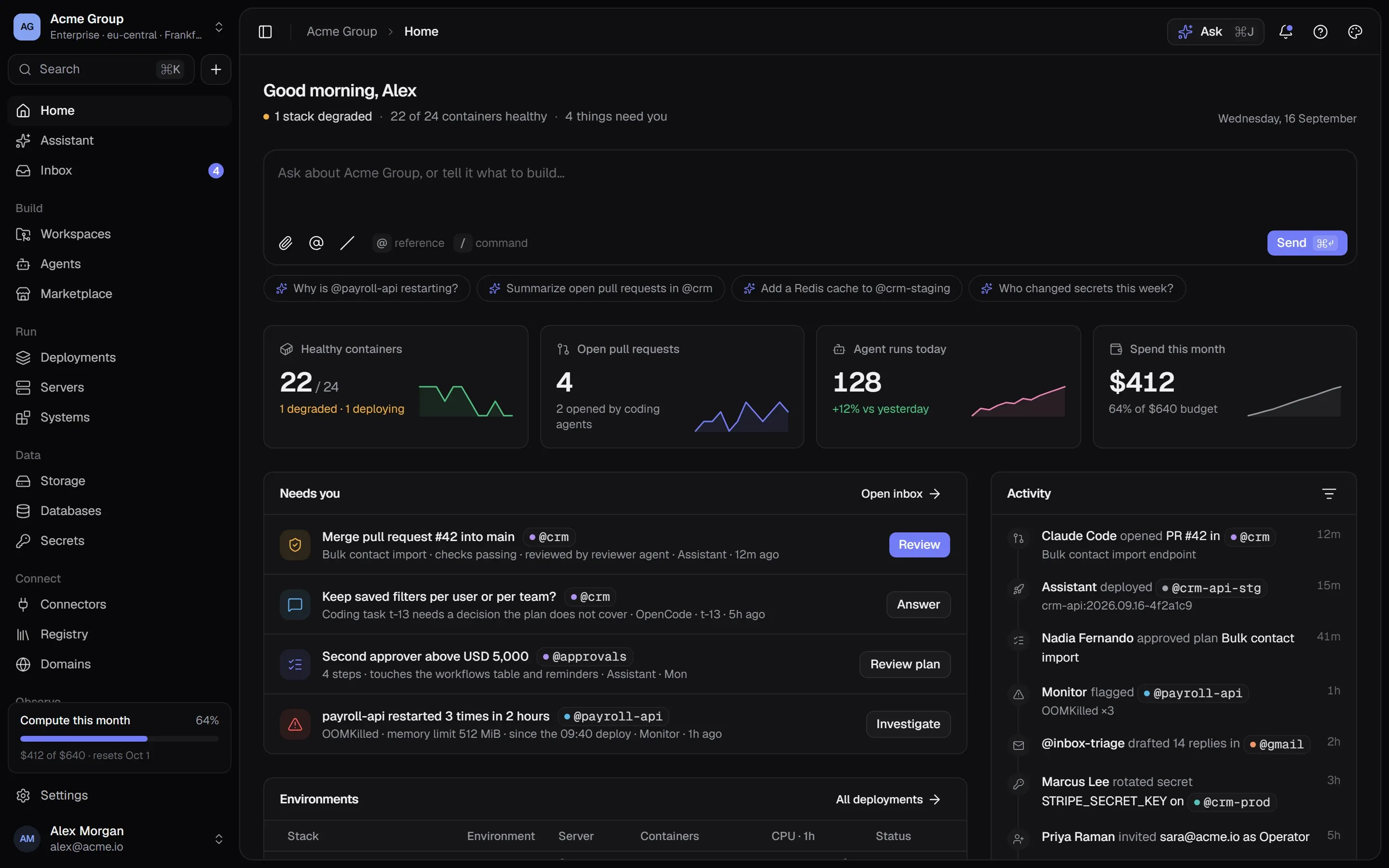
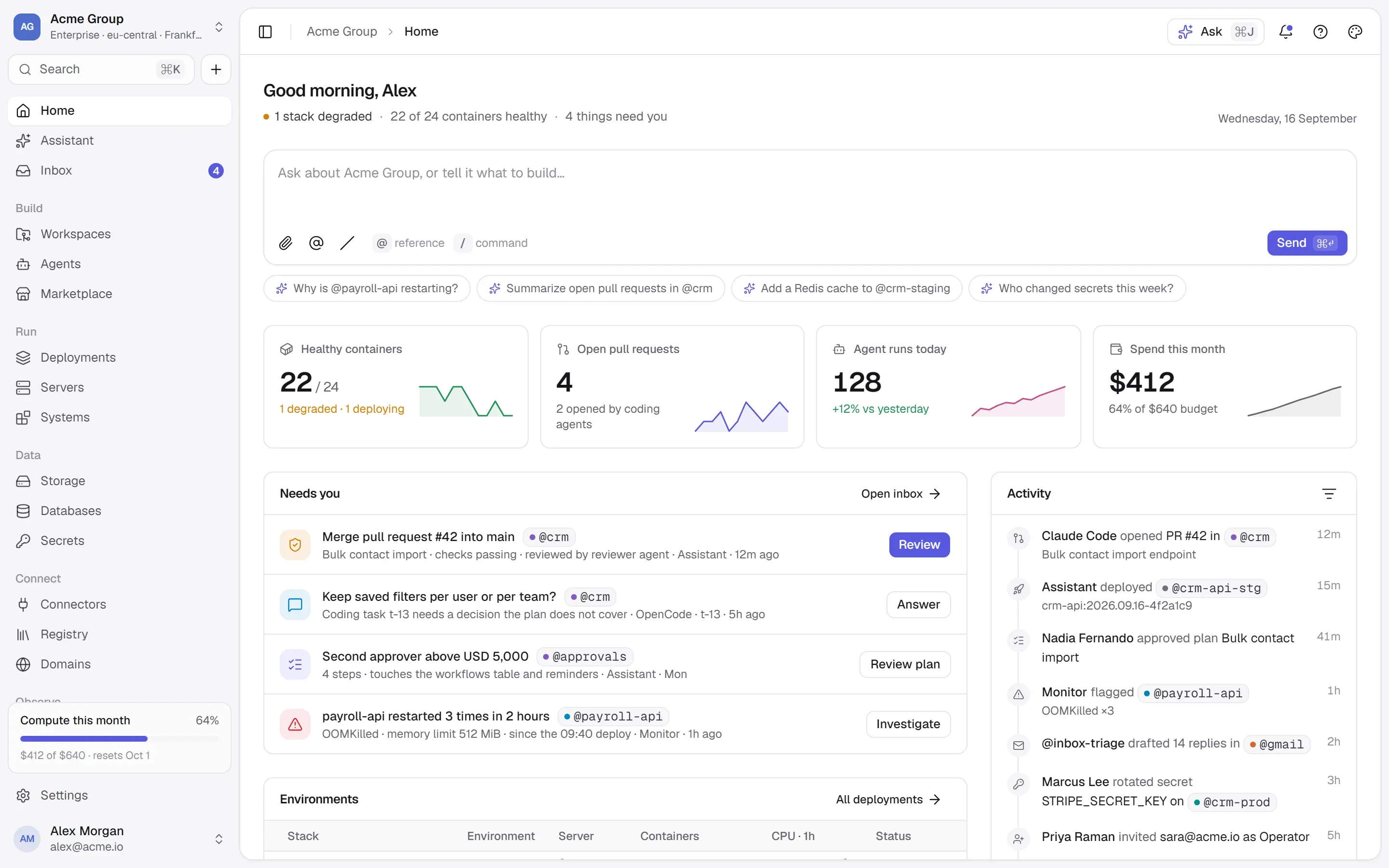
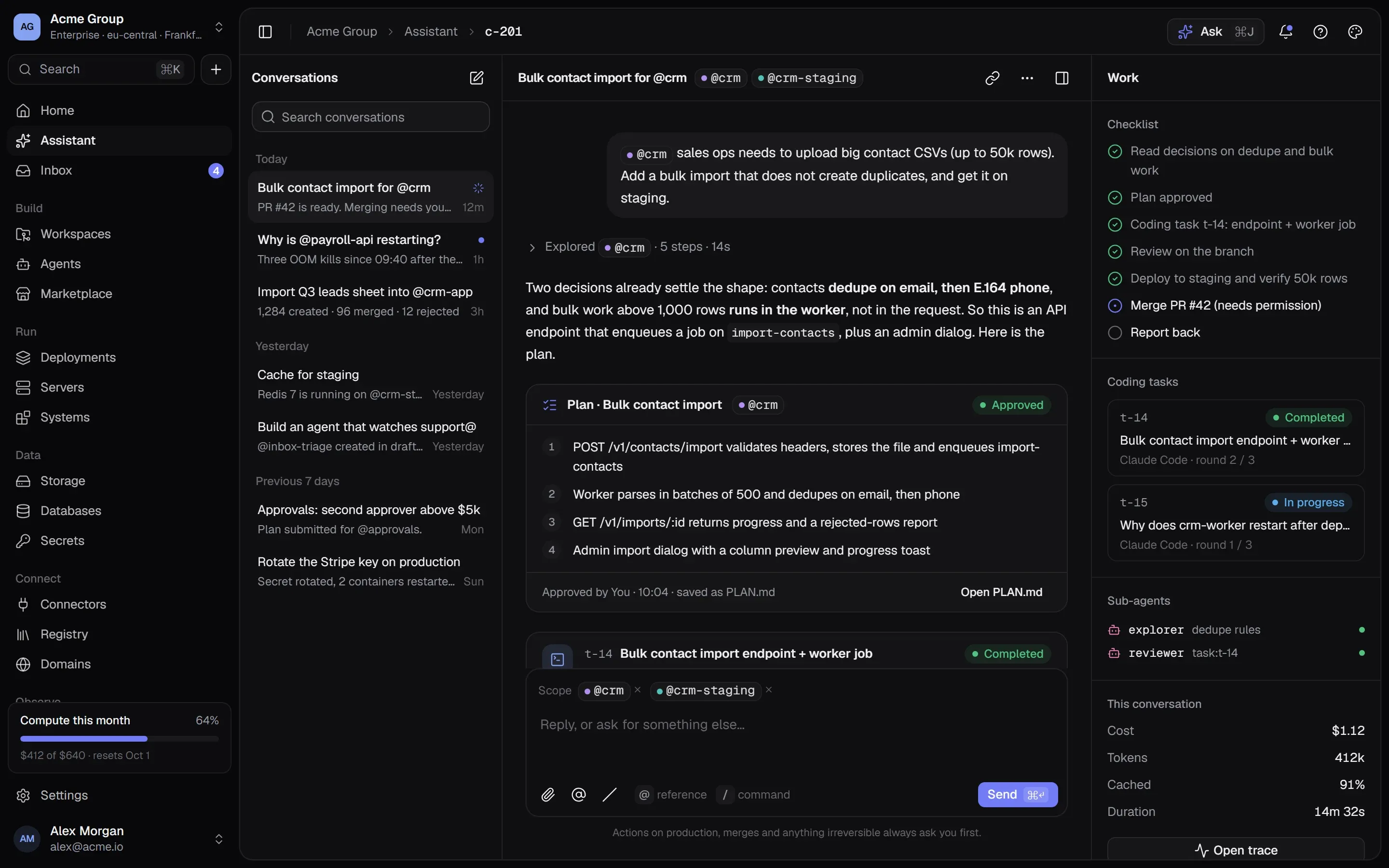
Your code, read live from GitHub, deployed on every push — and coding tasks run by agents in sandboxes, opening pull requests for you to review.

01

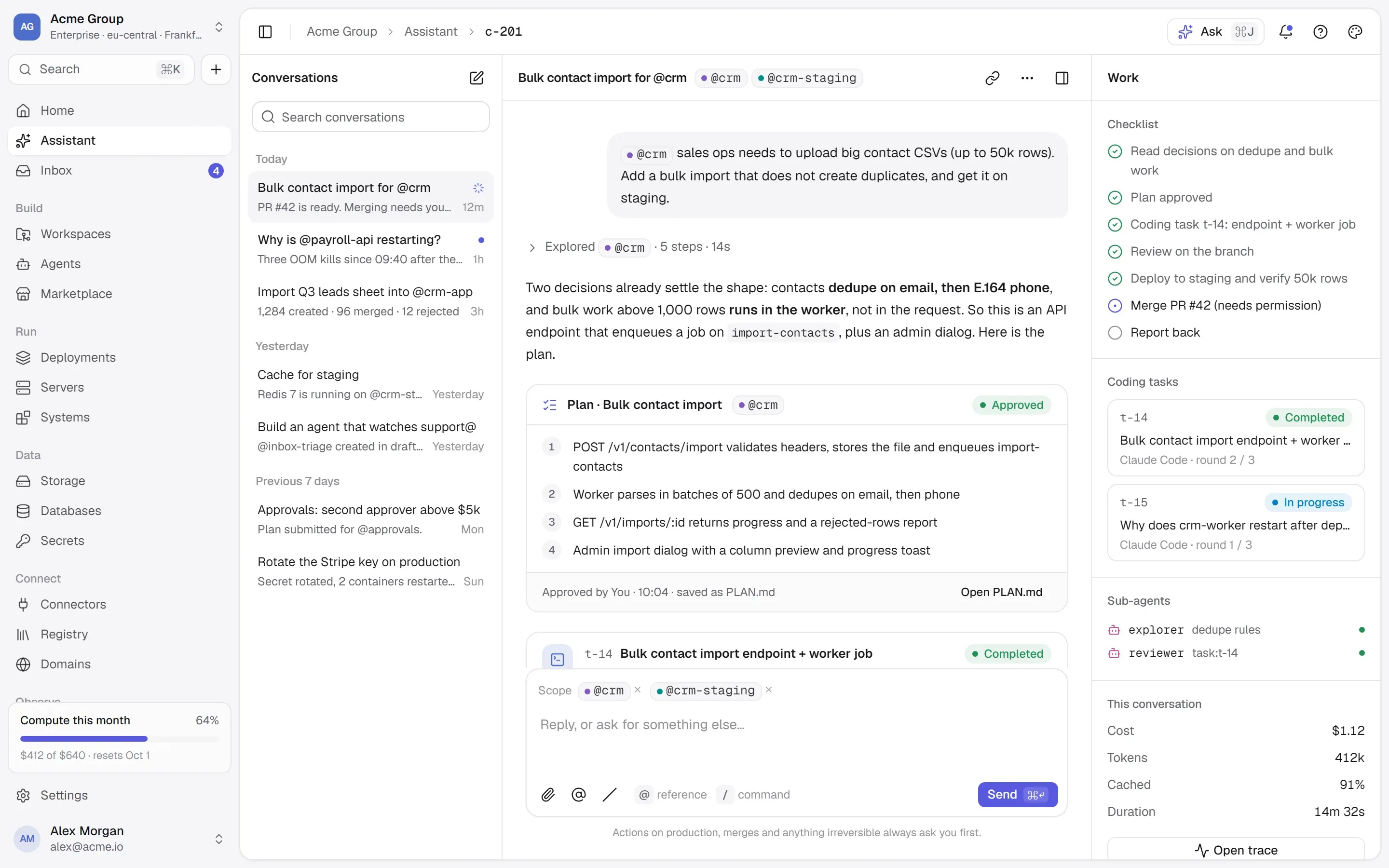
A GitHub App on the repositories you choose.

The platform is a GitHub App, not a password or a long-lived token. You install it on the repositories you pick; it acts with tokens that last an hour and reach only those. It asks for read access only. Take access away on GitHub at any time and the platform hears about it at once.

  • Choosing repositories searches every connected account — the most recently pushed first, however many there are.
  • A workspace is created with all of its repositories or none, naming any that could not be read.
  • Disconnecting removes the installation on GitHub too, so access really ends.
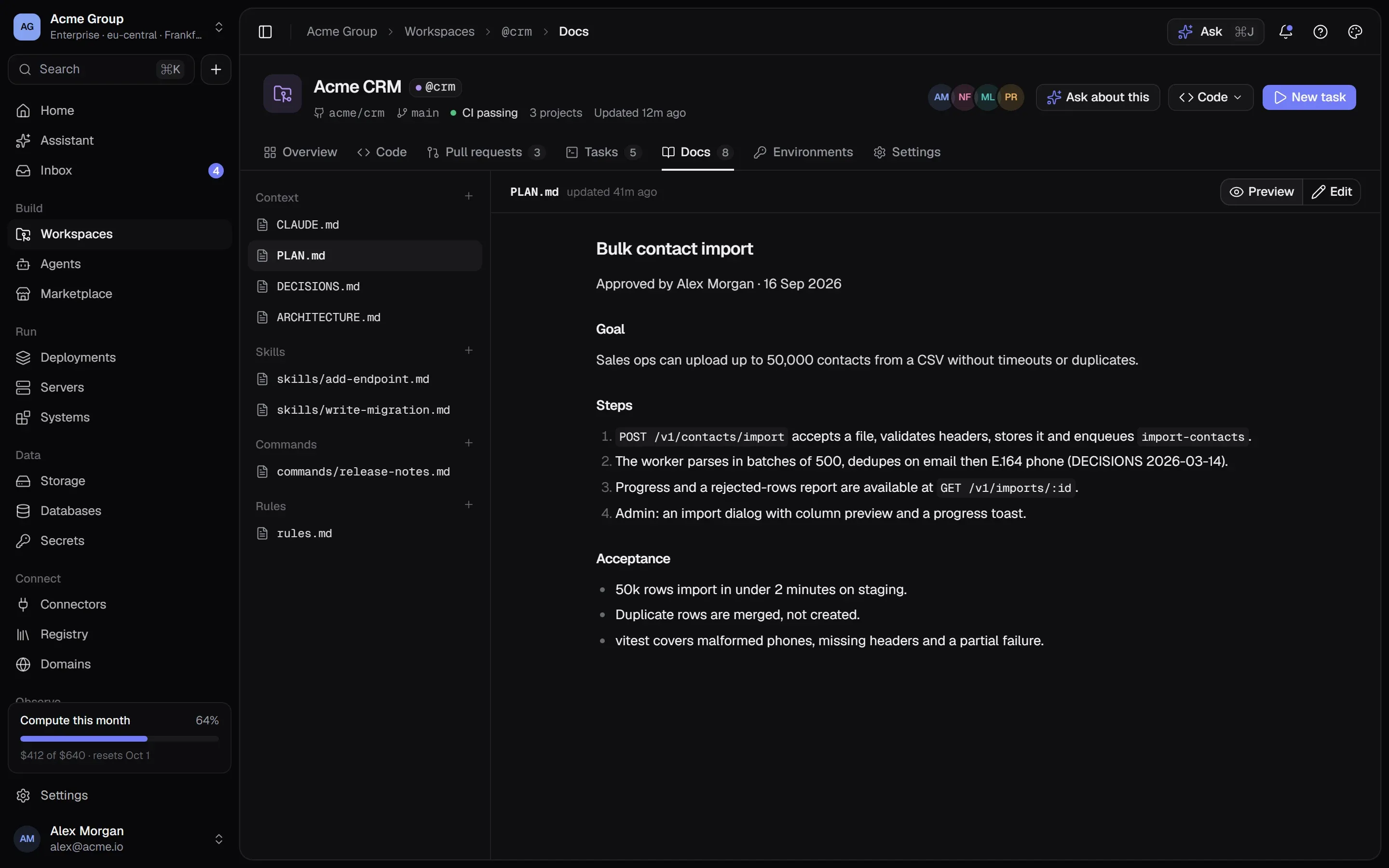
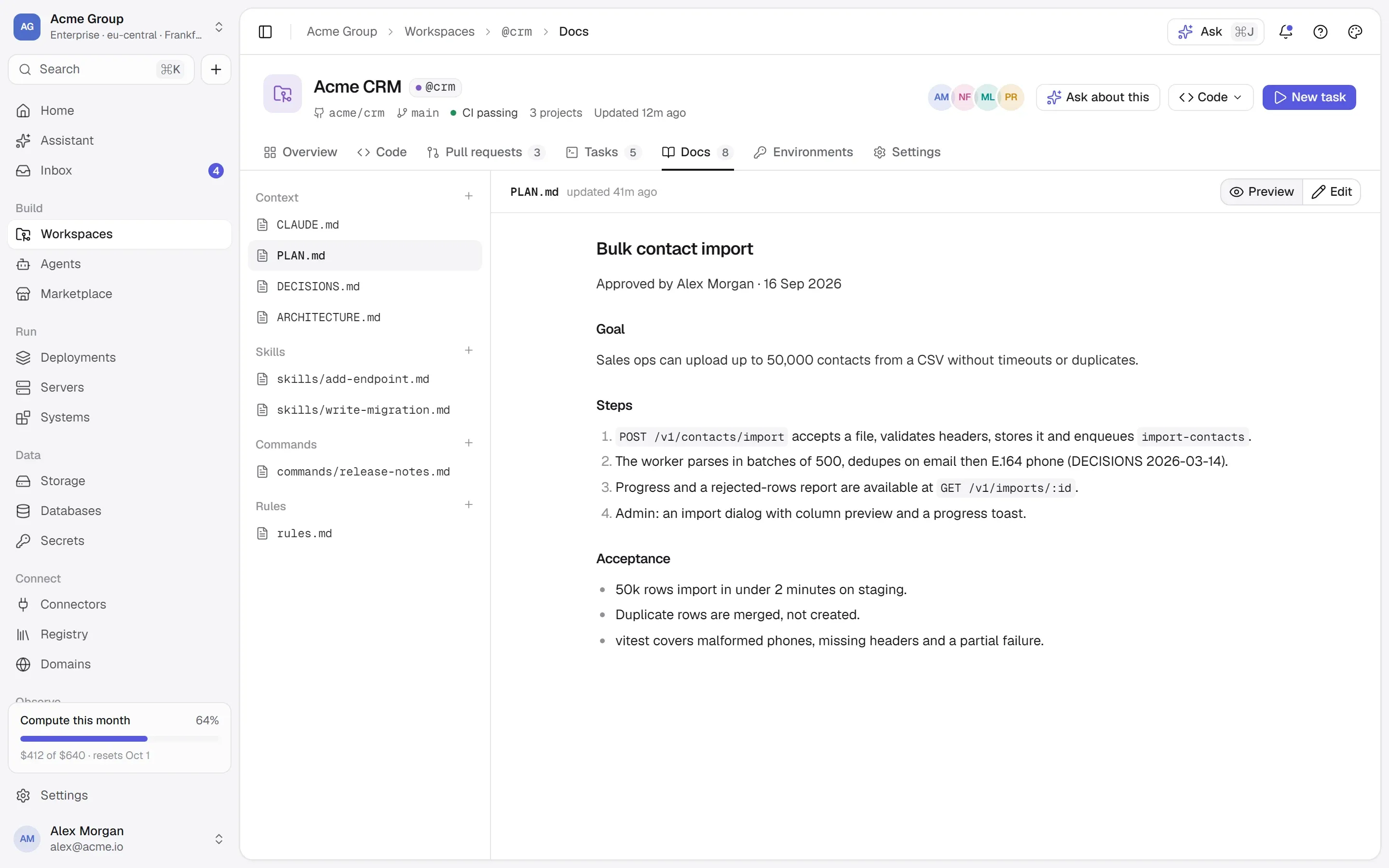
A workspace’s documents: CLAUDE.md, skills, commands and rules, rendered.A workspace’s documents: CLAUDE.md, skills, commands and rules, rendered.

02

Code read live, never copied.

The Code tab shows the file tree beside the open file with its last commit, Markdown rendered; Commits by day; Pull requests open, merged and closed. The documents plane gathers CLAUDE.md, PLAN.md, DECISIONS.md, README.md, AGENTS.md and the .claude folder — what an agent reads, versioned with the code.

  • A branch’s whole tree in one request; the deepest folders read when opened.
  • An empty documents plane explains CLAUDE.md and opens GitHub’s editor on a new one.
  • Nothing is stored here: the platform keeps the link, not the code.
acme/crm · main
▾ api/          Dockerfile · EXPOSE 3000       → project crm/api▾ admin/        Dockerfile · EXPOSE 80         → project crm/admin▾ worker/       Dockerfile.prod                → project crm/worker▸ .claude/      skills · commands · rules.md  CLAUDE.md     what an agent reads first  PLAN.md       the approved plan  README.md

03

Every Dockerfile, deployed at once.

The Deploy tab finds every Dockerfile in the workspace’s repositories and the port it exposes. For each project, choose a new container — the server, stack, network and port — or map it onto a container you already run. One Deploy all, reviewed first, with each project’s own result: a refusal for one never stops the others.

  • Built on your own server from a shallow clone of exactly the commit — the code never passes through us.
  • The review shows each project’s git and docker build commands before anything is made.
  • A codebase from the Marketplace lands here, ready to deploy when you say so.
Deploy #148 of @crm-apiLive
crm-api…:2026.09.24-3b7d0a1removed
crm-api…:2026.09.25-8c1e2f4serving
  1. Pull crm-api:2026.09.25-8c1e2f414 s
  2. Start crm-api.next beside the running one2 s
  3. Health check — GET /healthpassed in 6 s
  4. crm-api.next takes the name · the old one goesno gap

Strategy: start beside, then switch — nothing here keeps data or holds a port.

04

Deploy on push, pinned to the commit.

A container can deploy itself whenever its branch moves. GitHub’s push event finds every container built from that repository and branch with deploy-on-push on, and deploys exactly the commit that was pushed — so a second push while the first is building can’t change what the first one ships. The commit is written on the deploy.

  • What runs and what was pushed are the same thing, on the record.
  • Every GitHub delivery is verified and stored before it is applied — nothing is lost if the work fails.
  • A push that fails its health check leaves the running version serving.

05

Environments, set once.

A workspace keeps its variables and secrets for production, staging and development, and gives them at every deploy to the containers built from its projects in a stack of that environment. A container’s own value always wins. When a value changes, the tab names the containers running the older one and deploys exactly those.

  • A value marked secret goes into the secrets store, encrypted and versioned — never back into plain text.
  • Import a .env file into one environment; new keys become secrets unless you untick them.
  • A variable can reach every project, or only the ones you pick.
@crm · environments · production
DATABASE_URL        secret v3        every projectSTRIPE_SECRET_KEY   shared secret    api, workerLOG_LEVEL           info             every projectFEATURE_EXPORTS     on               api 2 containers run older values → Deploy them

Works with

  • GitHub
  • Git
  • Docker
Every integration →

/faq

Workspaces, answered plainly.

Something else? Write to [email protected] or use the contact page — a person answers.

What access does the GitHub App get?

Read-only: the contents of the repositories you choose (to read the code and clone it to build), their metadata, and pull requests. It is installed per account on the repositories you pick, and acts with tokens that last an hour. Write access arrives only with the coding agents that would need it — and GitHub asks you to approve that change.

Is my code stored on your side?

No. Branches, files, commits and pull requests are read from GitHub when a page asks and cached briefly. A build clones exactly the commit onto your own server, builds the image there and runs it.

GitLab or Bitbucket?

Workspaces connect through the GitHub App. Every other host is one adapter behind the same interface — tell us which one you use.

Do I need a Dockerfile?

A project is a folder with a Dockerfile — that is what the platform builds. The Deploy tab finds them for you, with the port each exposes — and a coding agent can write one for you.

Can a workspace span several repositories?

Yes — up to 20, for a product that is an API, an admin panel and an app. Removing a repository takes its projects with it and never touches GitHub; it is refused while containers are built from them.

/start

Push. It ships.

Request early access, connect GitHub and deploy every Dockerfile in one go.

Quick links

Request early accessthe way in
Platform overvieweverything in one isolated cloud
Marketplaceapps, databases, Docker Hub, MCP
Pricingplans, usage, AI credits
Securityisolation, secrets, approvals, audit
Changelogwhat shipped, newest first
Talk to ussales, help, security, privacy

Appearance

Dark mode
Light mode
System mode
Moonlight palettesilver-white · moon blue · lavender grey · the default
Signal paletteindigo · the classic
Ember paletteorange · amber · crimson
Aurum palettegold · bronze · champagne
Clay paletteterracotta · rust · sand
Mocha palettecaramel · mocha · cream
Rosewood palettedusty rose · wine · blush
Sage palettesage · eucalyptus · oat
Tide palettesea teal · deep sea · seafoam
Slate palettesteel blue · slate · mist
Dusk palettelilac · mauve · slate blue
Indigo accent
Violet accent
Blue accent
Teal accent
Emerald accent
Amber accent
Orange accent
Rose accent
Graphite accent
Cool surface
Neutral surface
Warm surface
Midnight surface
↑↓ move↵ open⌘K or / anywhere on the site