Most advice about Docker secrets starts with “never use environment variables”. That isn’t quite right. An environment variable is a reasonable way to give a running container a database password — the twelve-factor approach that most frameworks expect. The leaks almost always happen on the way there: in the file the value sat in, the command that carried it, the image that baked it in, or the log that printed it.
This guide walks through where secrets really leak in a Docker setup, what to do about each one, and how to rotate a secret without guessing who still runs the old value.
Where secrets leak
A .env file in Git
The most common leak is the simplest: a .env file committed to a repository. Deleting it later doesn’t help — it is still in the history, and in every clone and fork made since. If it was ever pushed, treat every value in it as exposed and rotate it.
Keep .env in .gitignore, commit a .env.example with names and no values, and scan for secrets in CI so a mistake is caught before it is pushed.
A docker run -e line
docker run -e DB_PASSWORD=s3cret my-apiThat value is now in your shell history, in the process list of the machine while the command runs, and in any script or CI log that echoes commands. Pass a file instead (--env-file, readable only by you), or have the deploy tool send the values without putting them on a command line.
A build argument or ENV in the Dockerfile
ARG NPM_TOKEN
ENV API_KEY=abc123
Anything set with ENV is stored in the image. Build arguments used in a RUN step can be recovered from the image’s history. Push that image to a registry and the secret goes with it. For build-time credentials use BuildKit secret mounts (RUN --mount=type=secret,id=npm_token …), which never land in a layer; for runtime values, set them when the container starts, never in the image.
docker inspect
A container’s environment is visible to anyone who can run docker inspect on that server. That is expected — the container needs the values — but it means Docker access on a server is access to its secrets. Keep that group small: SSH keys only, no shared accounts.
Logs and error pages
Frameworks print configuration at startup, crash reports dump the environment, and a debug page lists every variable. Mask known secret values in collected logs, and turn off debug output in production.
Compose secrets and _FILE variables
Docker Compose can mount a secret as a file instead of a variable:
services:
  db:
    image: postgres:17
    environment:
      POSTGRES_PASSWORD_FILE: /run/secrets/db_password
    secrets:
      - db_password
secrets:
  db_password:
    file: ./db_password.txt
The value appears inside the container at /run/secrets/db_password and never in docker inspect. Many official images — PostgreSQL, MariaDB, MySQL among them — read a _FILE variant of their password variables for exactly this. It is a good option when the image supports it. The file on the server still has to come from somewhere, though, and still has to be protected and rotated.
The real problem: one secret, many copies
The harder problem isn’t the delivery — it is sprawl. The same Stripe key ends up in a .env on a laptop, in CI settings, in two Compose files and on three servers. When it has to change, nobody knows every place it lives, and nobody knows which running containers still have the old value.
What fixes that is a single store:
- One record per secret, referenced by name from every configuration that needs it — never copied into them.
- Scopes, so a secret meant for one service or one environment can’t be used by another.
- Versions: changing a value makes a new version; older ones are kept.
- A record of which version each deploy received, so you can see exactly which containers still run the old value after a rotation.
- Reading a value is its own permission, and every read is audited.
Rotating a secret safely
- Create the new value at the source (the payment provider, the database).
- Store it as a new version; keep the old one valid for now.
- Redeploy every container that uses it — and check that none still runs the old version.
- Revoke the old value at the source.
- If the secret ever leaked, check the source’s logs for its use.
Step 3 is the one that usually goes wrong, because there is no list of who uses what.
How TalkingSuites handles secrets
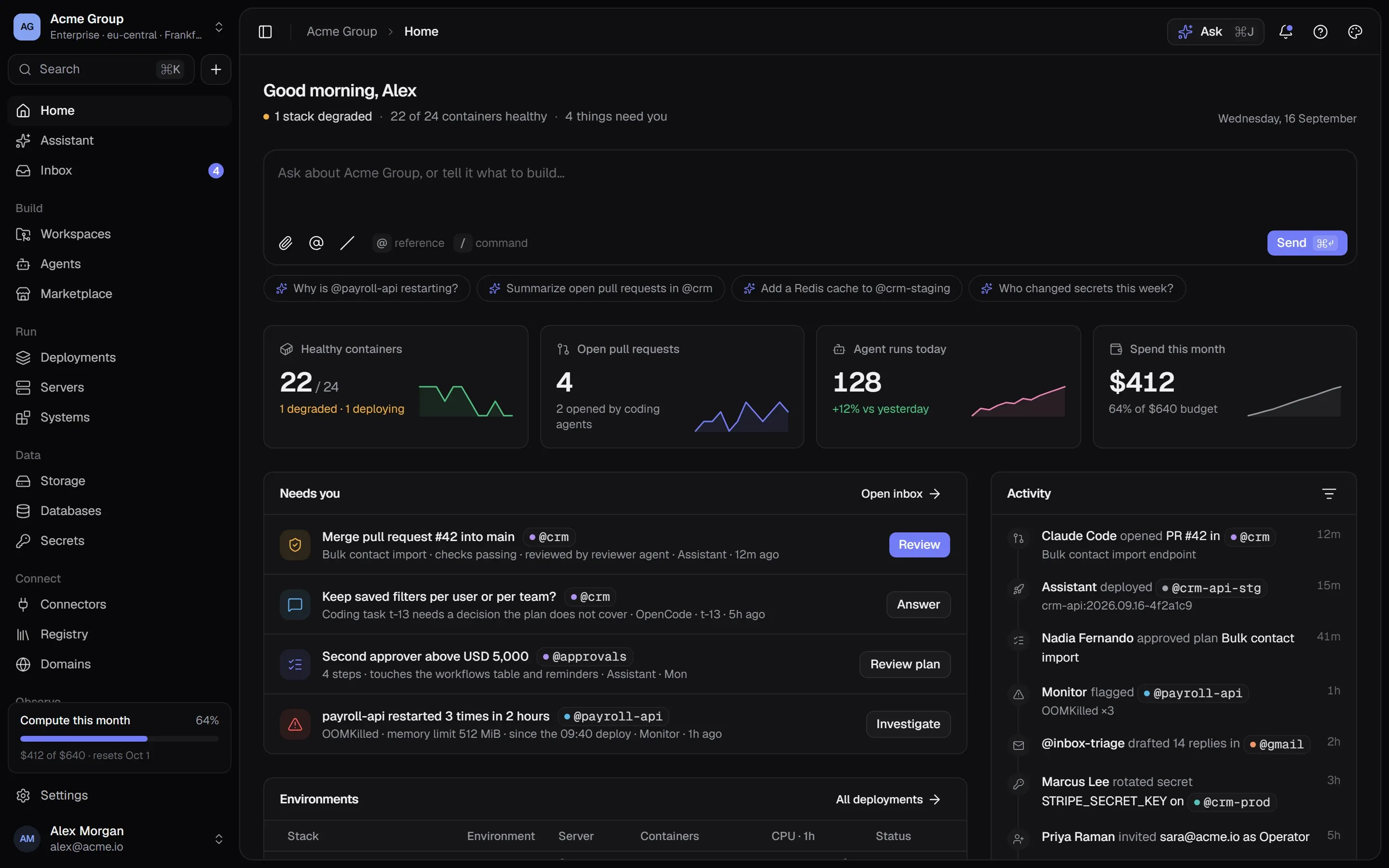
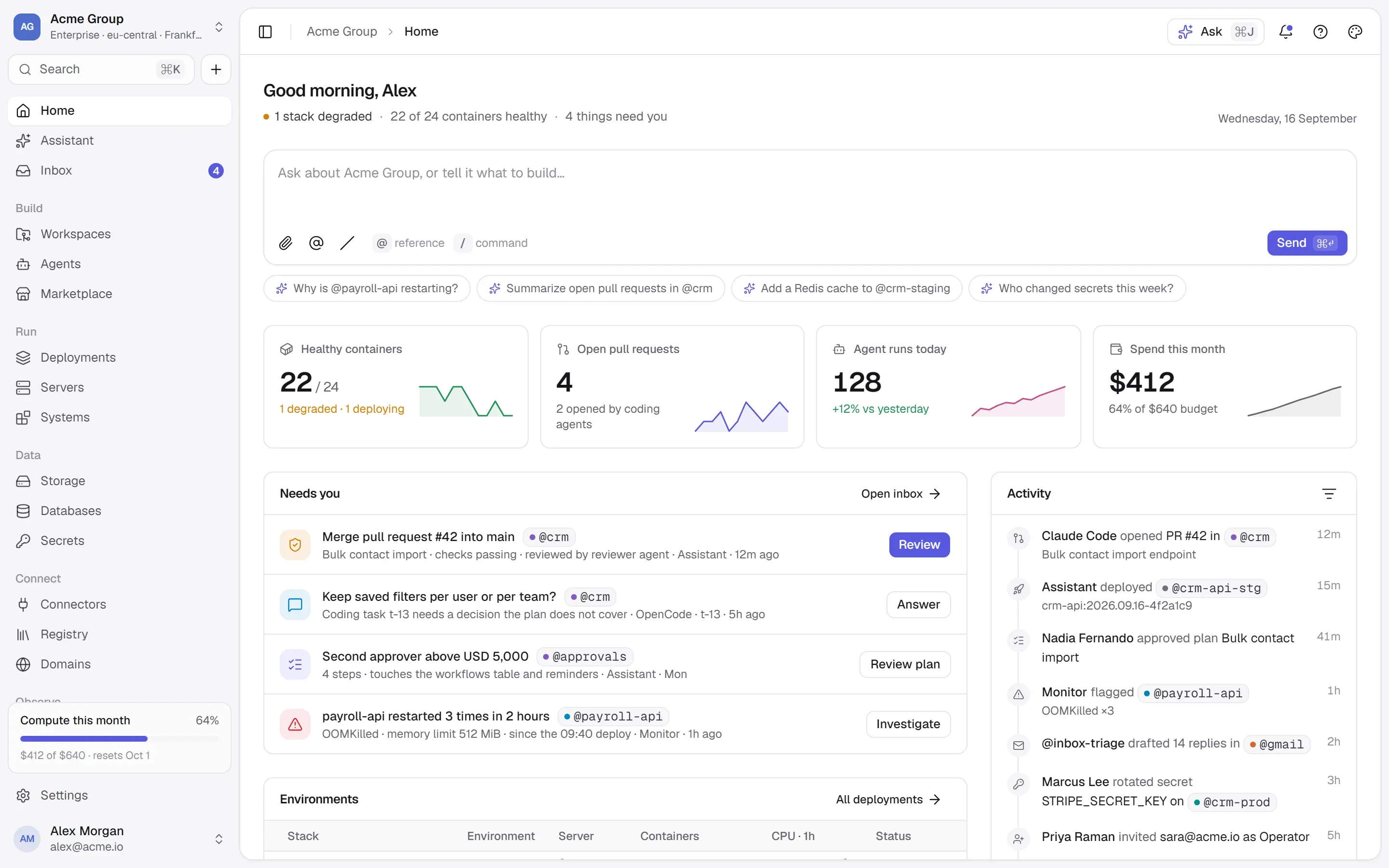
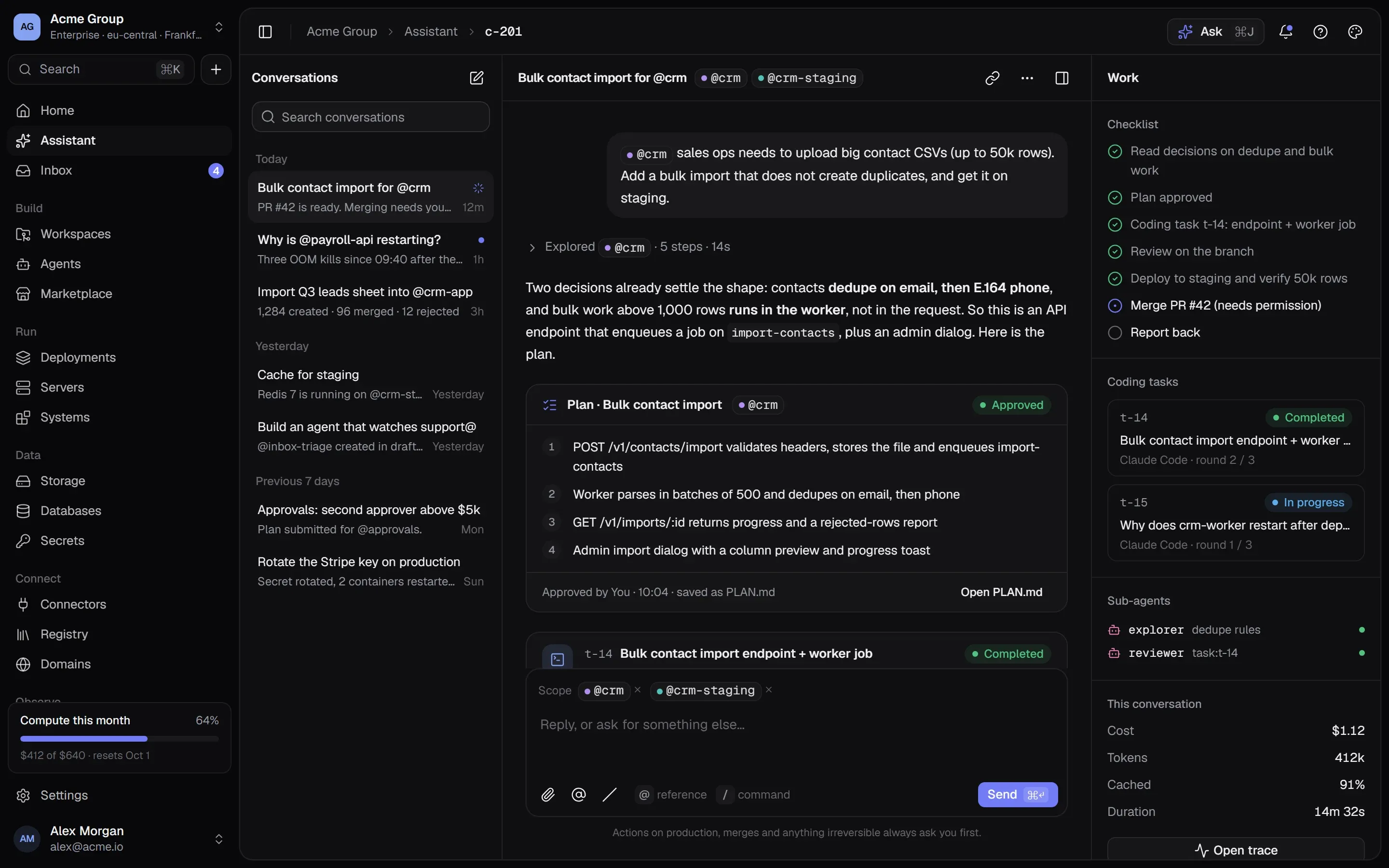
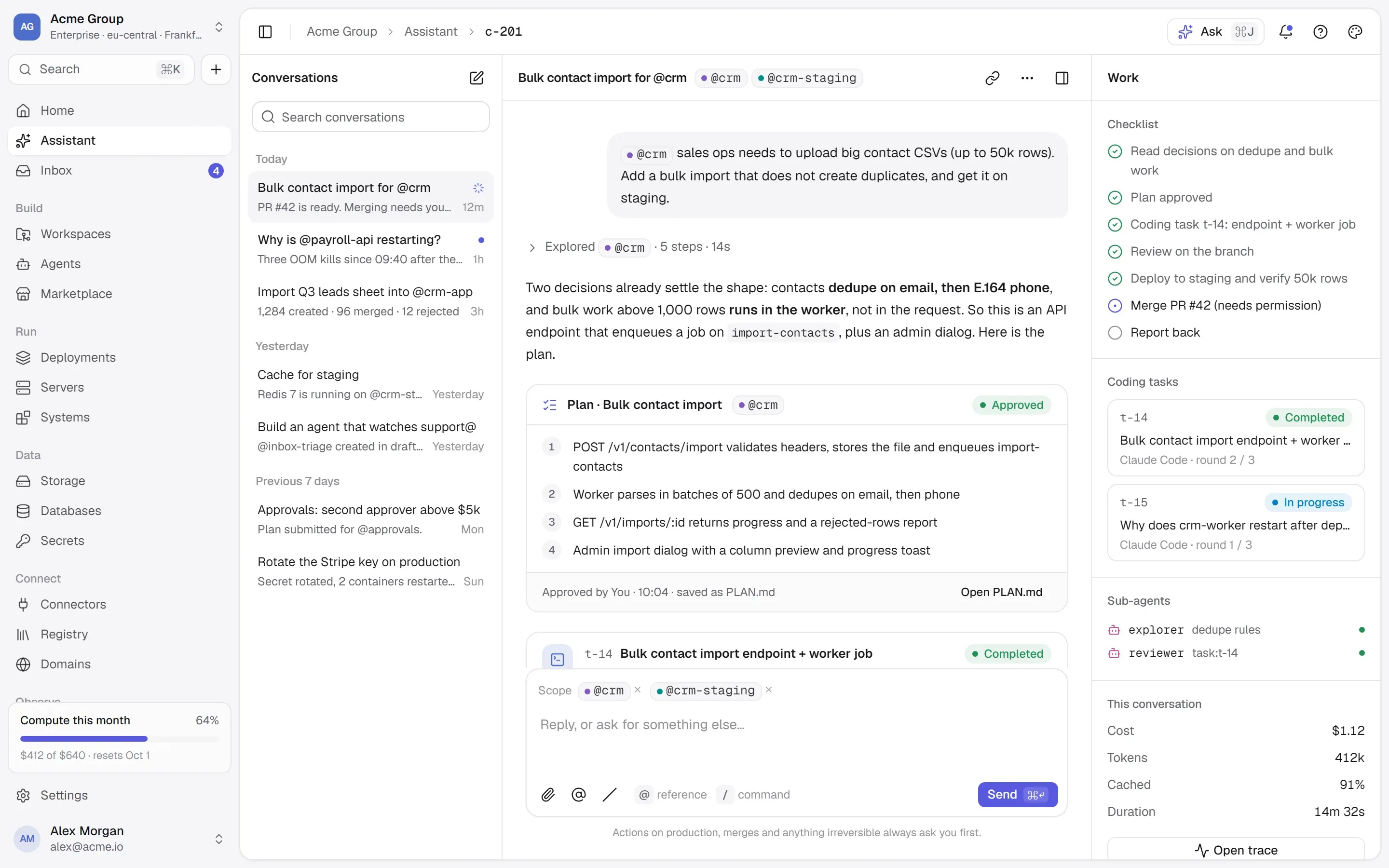
In TalkingSuites, a secret lives in one encrypted store and leaves it in exactly two ways: into a container’s environment when it is deployed, and to a person with permission — once, recorded.
- Referenced, never copied. A secret belongs to the organization, to one stack, to one container, or to a workspace’s environment. The scope is checked when a configuration is saved and again at deploy, so a reference across a boundary fails where you are looking.
- Given at deploy time, over stdin. Values go to the server on stdin — never in a command line, so never in the record of commands the platform keeps. Previews and the deploy review show a secret by its name.
- Every change is a version. Changing a value restarts nothing: a container keeps the value it was deployed with. Each deploy records which version of each secret it was given, so the page can say “running an older value of
STRIPE_KEY”, and one button deploys exactly the containers that are behind. - Paste a
.envfile and every line is checked before any is written; only real changes make new versions. - Revealing is its own permission, rate-limited per person and written to the audit log with the version. Only people — never an API key — may change or reveal a secret.
- Logs are masked. What containers print is collected and searchable, with secrets masked on the way out.
- Marketplace installs generate real secrets. A password an app needs is generated and kept as a secret, never a string in a configuration.
Questions people ask
Are environment variables safe for secrets in Docker?
They are a reasonable way to deliver a secret to a running container. The risks are where the value is stored before that (a .env in Git, an image layer, a command line) and who can read the container’s environment on the server. Use file-based secrets where the image supports them, and keep Docker access to a small group.
Should I commit my .env file?
No. Commit a .env.example with names and empty values, and keep the real file out of Git. If a .env was ever pushed, rotate every value in it — deleting the file doesn’t remove it from history.
What is the difference between Docker secrets and environment variables?
An environment variable is set on the container and visible through docker inspect. A Docker or Compose secret is mounted as a file under /run/secrets/ and isn’t part of the container’s configuration. Images that support _FILE variables can read their passwords from such a file.
Where this lives in TalkingSuites
- Secrets — Encrypted, versioned, per environment
- Deployments — Stacks, networks, health-checked deploys
- Workspaces — GitHub repos, projects, environments