Human in the loop means a person can see and stop what an AI agent is about to do before it happens. It is the most common answer to the question every team asks once an agent can do more than talk: what if it gets it wrong?
The hard part isn’t adding a confirmation button. It is deciding which actions need one. Ask for approval on everything and people click “yes” without reading — which is worse than no approval at all. Ask for nothing and the first mistake is the one you find out about from a customer.
This guide gives a simple way to sort an agent’s actions, shows what a good approval looks like, and explains how TalkingSuites puts it into practice.
Sort actions by what they can break
The question is not “how clever is the agent?” but “what happens if this one call is wrong?” Every action an agent can take falls into one of four kinds:
| Kind | Example | If it is wrong |
|---|---|---|
| Read | list containers, search contacts, read a log | Nothing changes |
| Write | restart a service, update a record, deploy a new version | Something changes, and it can usually be put back |
| Destructive | delete a database, merge two customer records, drop a bucket | It can’t be undone |
| External | send an email, post to a customer, call a partner’s API | It has left your company |
From that table, a default follows:
- Reads run. An agent that has to ask before reading is an agent nobody uses.
- Writes are confirmed by the person the agent is working for.
- Destructive actions ask for more than a click — the name of the thing, typed back, so a tired “yes” isn’t enough.
- External actions are drafted and wait for a person, unless your organization decides otherwise for a specific case.
Be careful with how an action gets its kind. If a tool doesn’t say it is read-only, treat it as a write — the safe way to be wrong. And never guess that a write can be undone; let a person decide that.
Approval belongs to whoever holds the permission
A second question decides who is asked. If the person working with the agent could do the action themselves, they can confirm it. If they couldn’t — a developer asking an agent to delete a production database they have no right to delete — the agent must not do it on their behalf, and the developer must not be the one to approve it either.
That request should become an approval: a clear card, sent to the people who do hold the permission, that says what will happen. They approve or decline, and the result goes back to the conversation that asked.
This rule also closes the most common hole in agent setups: an agent running with a shared key that has more power than the person talking to it.
What a good approval shows
An approval is only as good as what the approver can see. A useful one shows:
- The exact action, not a summary the model wrote: the tool, the target, the arguments.
- Who asked and for whom — the person, the agent, the conversation.
- What it will change — for a deploy, the steps and the commands; for a record, the fields.
- Whether it can be undone.
- Secrets by name, never by value.
If the approver has to open three other screens to understand the request, the approval will be rubber-stamped.
Avoid approval fatigue
Approvals fail when there are too many of them. Some ways to keep them rare and meaningful:
- Let reads run without asking. Most of an agent’s work is reading.
- Confirm in the flow — a write the person can do themselves is a one-click confirmation in the same conversation, not a ticket.
- Save escalation for real authority gaps, not for every write.
- Test agents before they run for real. A test run that executes reads and shows what it would have written, deleted or sent catches most mistakes before anyone has to approve anything.
Keep a record of every decision
Human in the loop is also about after the fact. When something goes wrong, you need to answer: what did the agent call, with what arguments, who allowed it, and what came back? That means writing a row before each call is sent, and its outcome afterwards — in the same ledger as calls your people make, so there is one history, not two.
How TalkingSuites does it
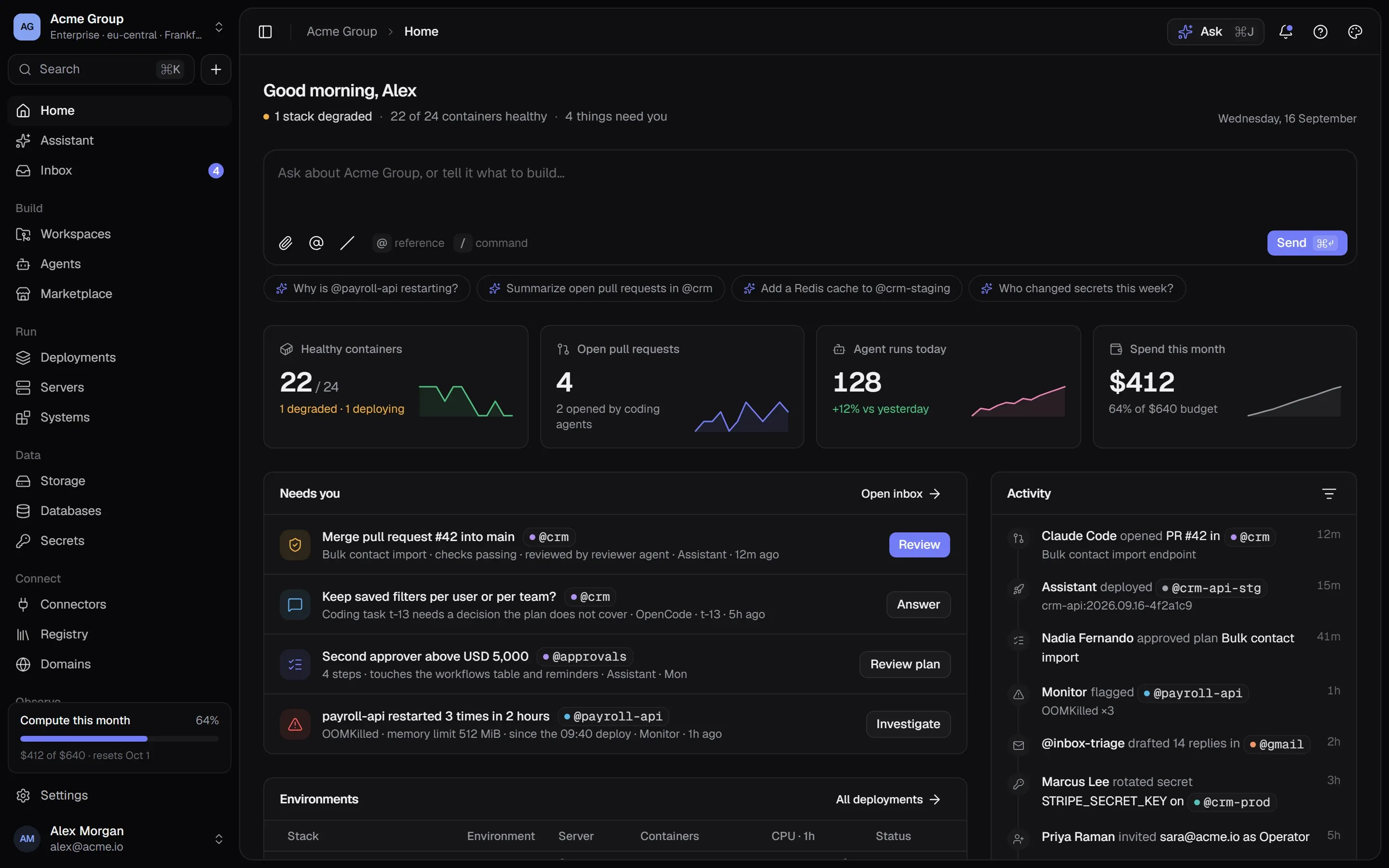
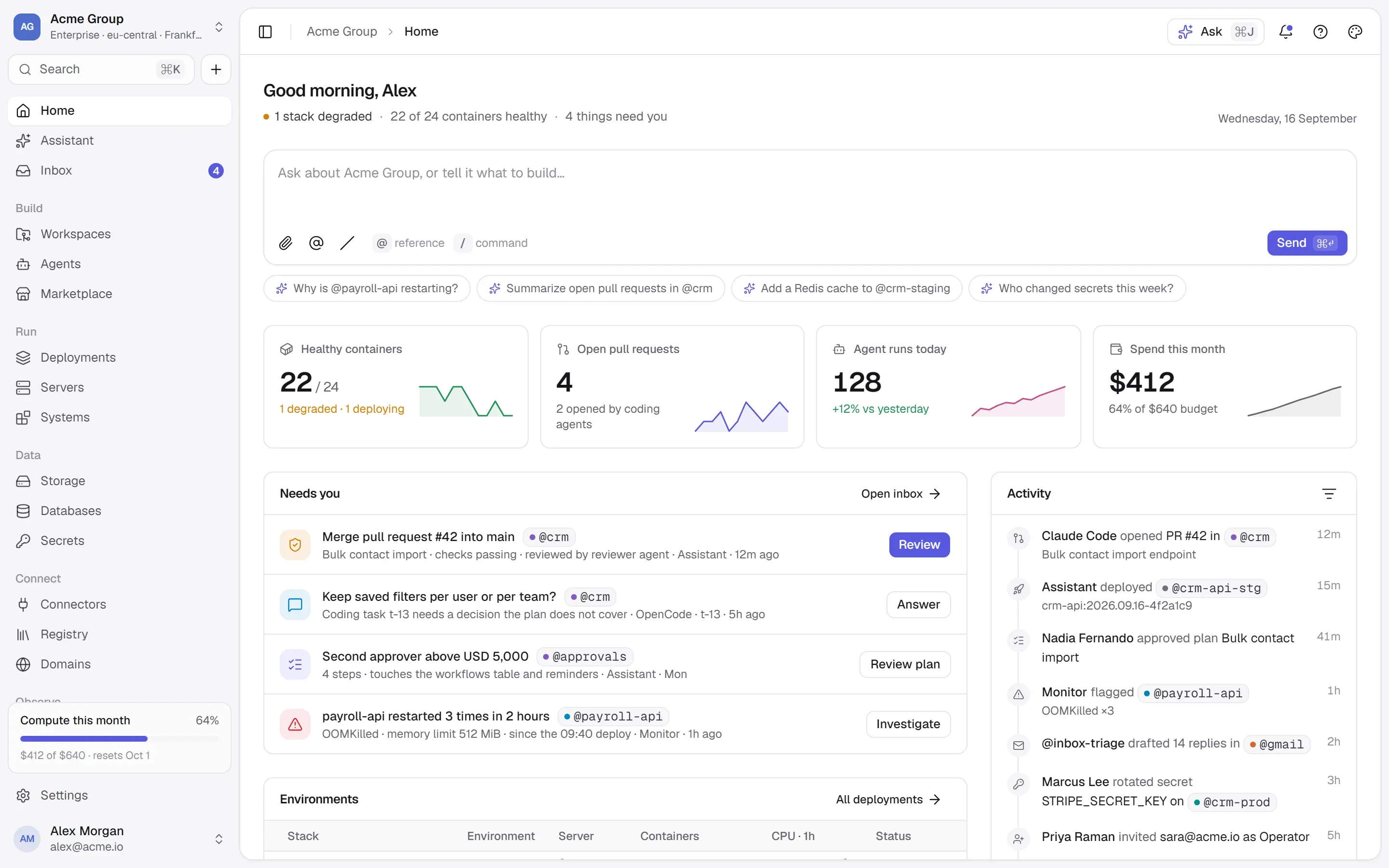
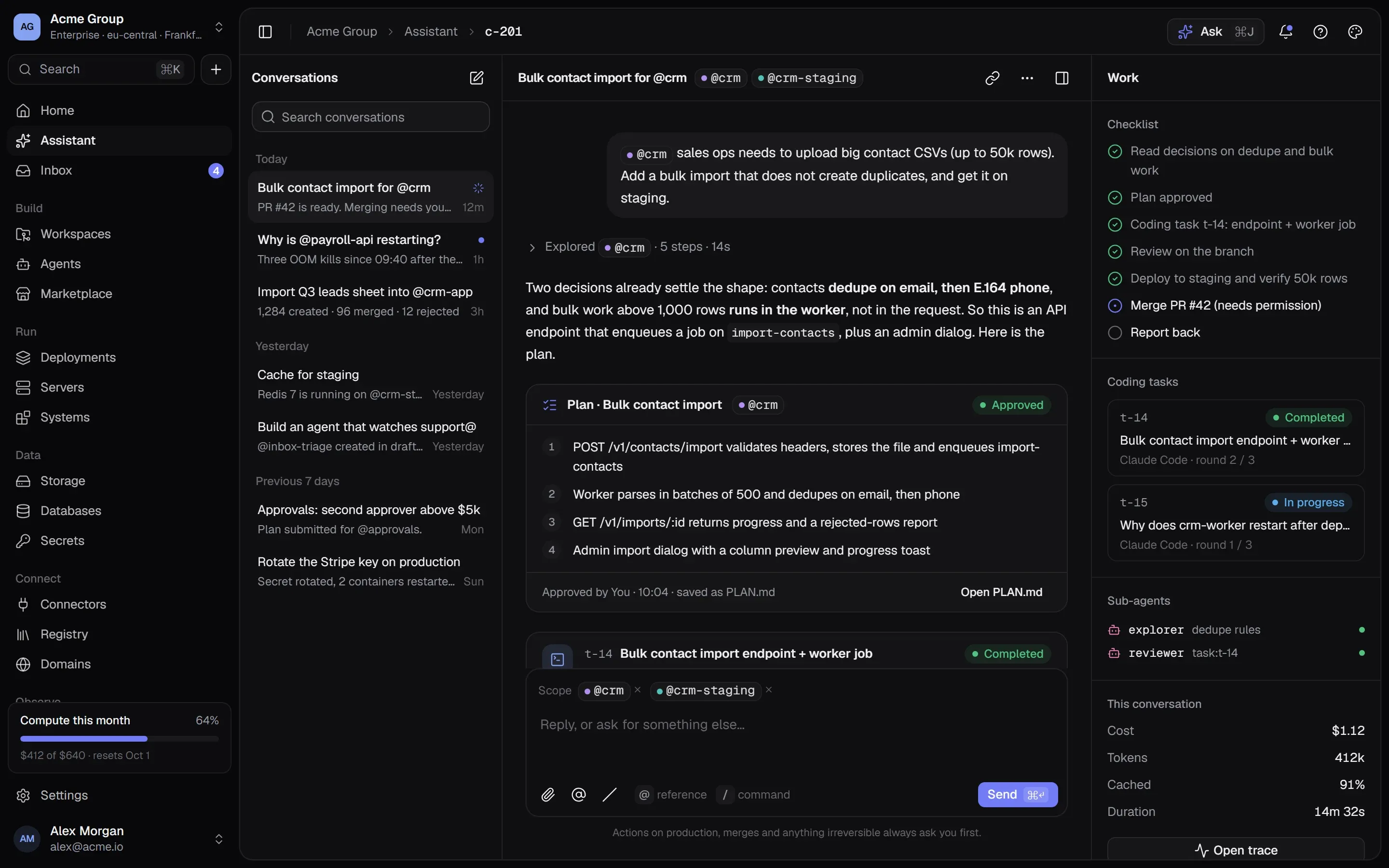
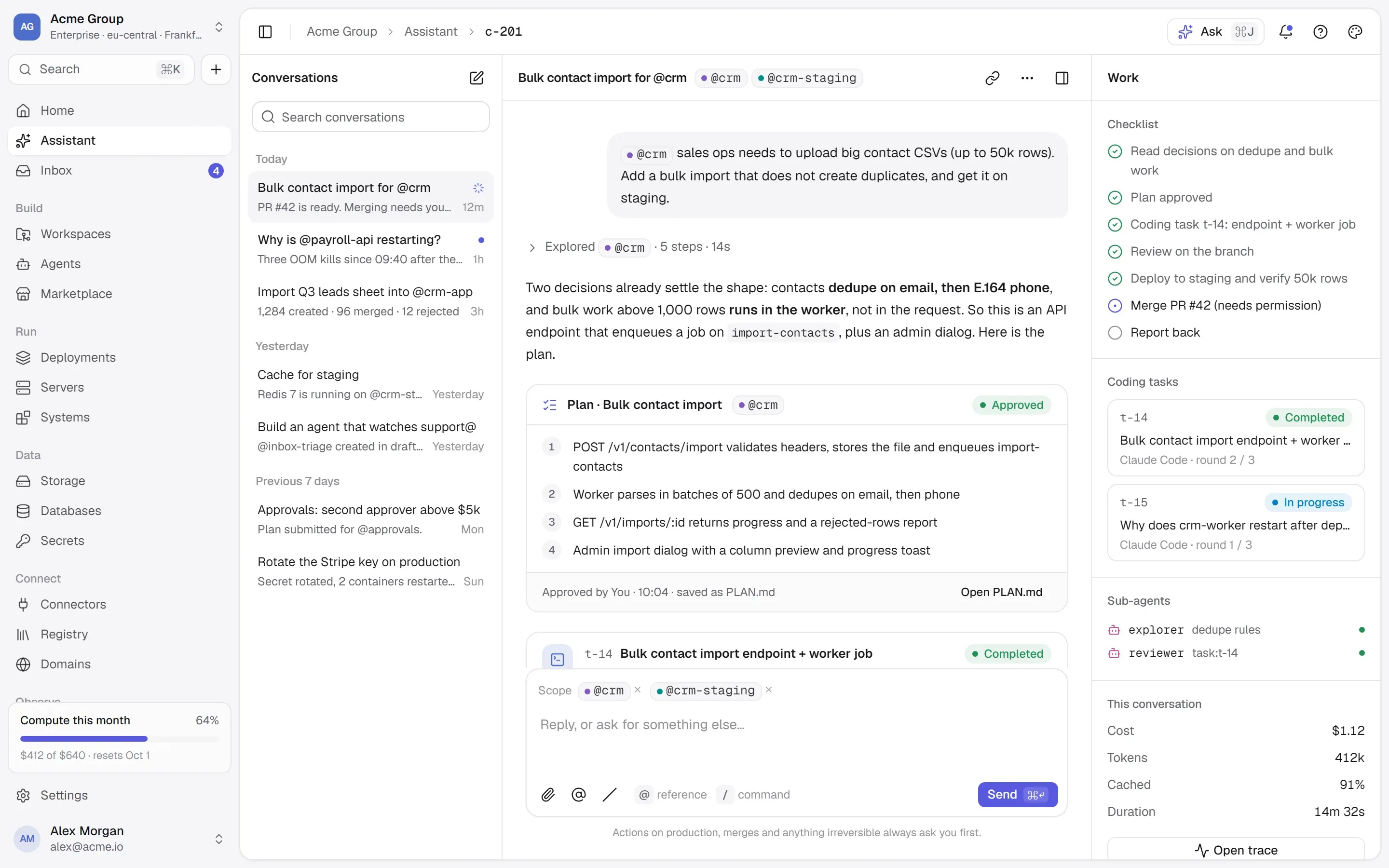
TalkingSuites puts every action — from a person in the console, from the Assistant, or from an agent — through one gate:
- Every tool has a class: read, write, destructive or external. A read runs. A write, or a tool that reaches outside, asks you to confirm. One that can’t be undone asks for its name, typed back.
- A request above your own permissions becomes an approval — a card in the conversation and in the Inbox — for someone who holds them. An agent can never do what its owner can’t.
- Deploys open a review first: the steps and the exact Docker commands, every variable by where its value comes from, secrets by name. Nothing runs until someone ticks “I have checked what will run”.
- Agents start as drafts. A new agent can’t be activated until a test run of its current files has finished — reads executed, and what it would have written, destroyed or sent shown without doing any of it.
- Anything that leaves your company is drafted and waits for a person, unless the owner chooses otherwise and the organization’s policy allows it.
- Every call is a row in the ledger, written before it is sent, with secrets removed from the arguments.
Questions people ask
What does “human in the loop” mean for AI agents?
It means a person can see, approve or deny an agent’s action before it takes effect — and that the decision is recorded. In practice it applies to writes, destructive actions and anything that leaves the company; reads usually run without asking.
Doesn’t approving everything make agents useless?
Yes, which is why approvals should depend on what an action can break. Reads run, writes are a quick confirmation by the person working with the agent, and only actions above that person’s permissions go to someone else.
Is human in the loop required for MCP?
The Model Context Protocol specification says there should always be a human in the loop with the ability to deny tool invocations, and that clients should ask for confirmation on sensitive operations. It is guidance for clients rather than something the protocol enforces, so it is up to the application or platform calling the tools.
Where this lives in TalkingSuites
- Assistant — Ask, plan, approve, build
- Agents — Markdown plus grants
- Systems & MCP — Every system gets an interface
- Security — Isolation, secrets, approvals, audit