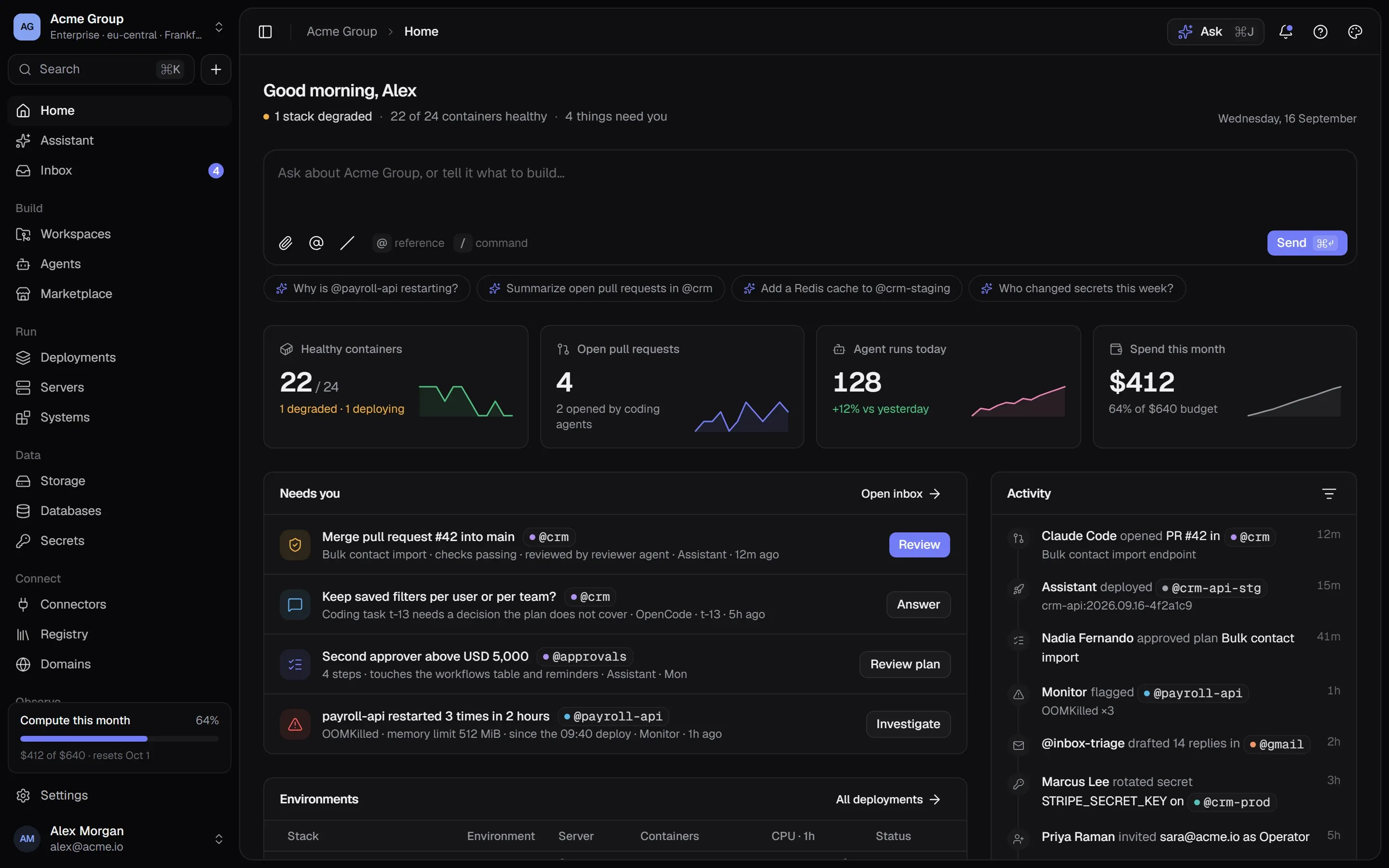
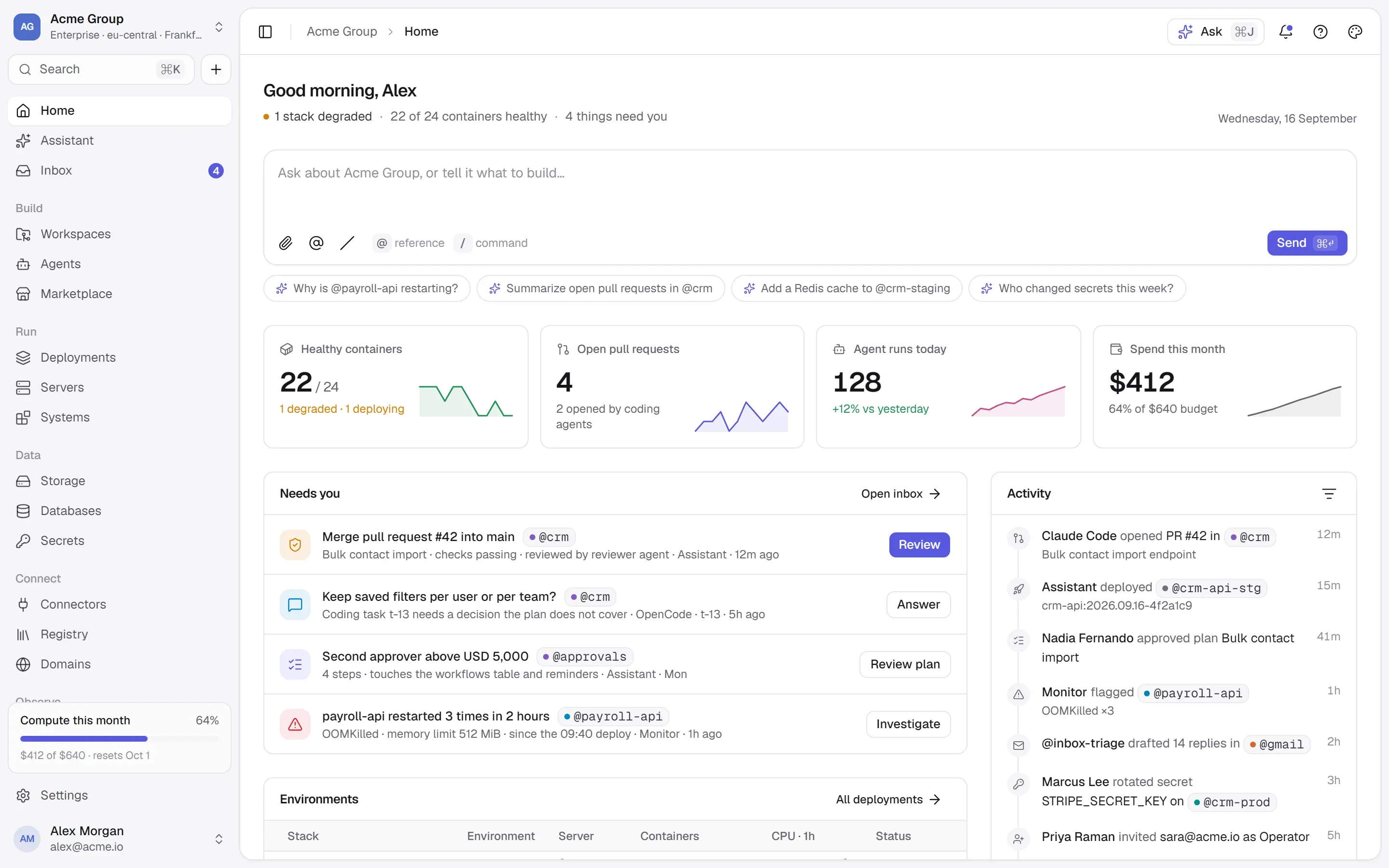
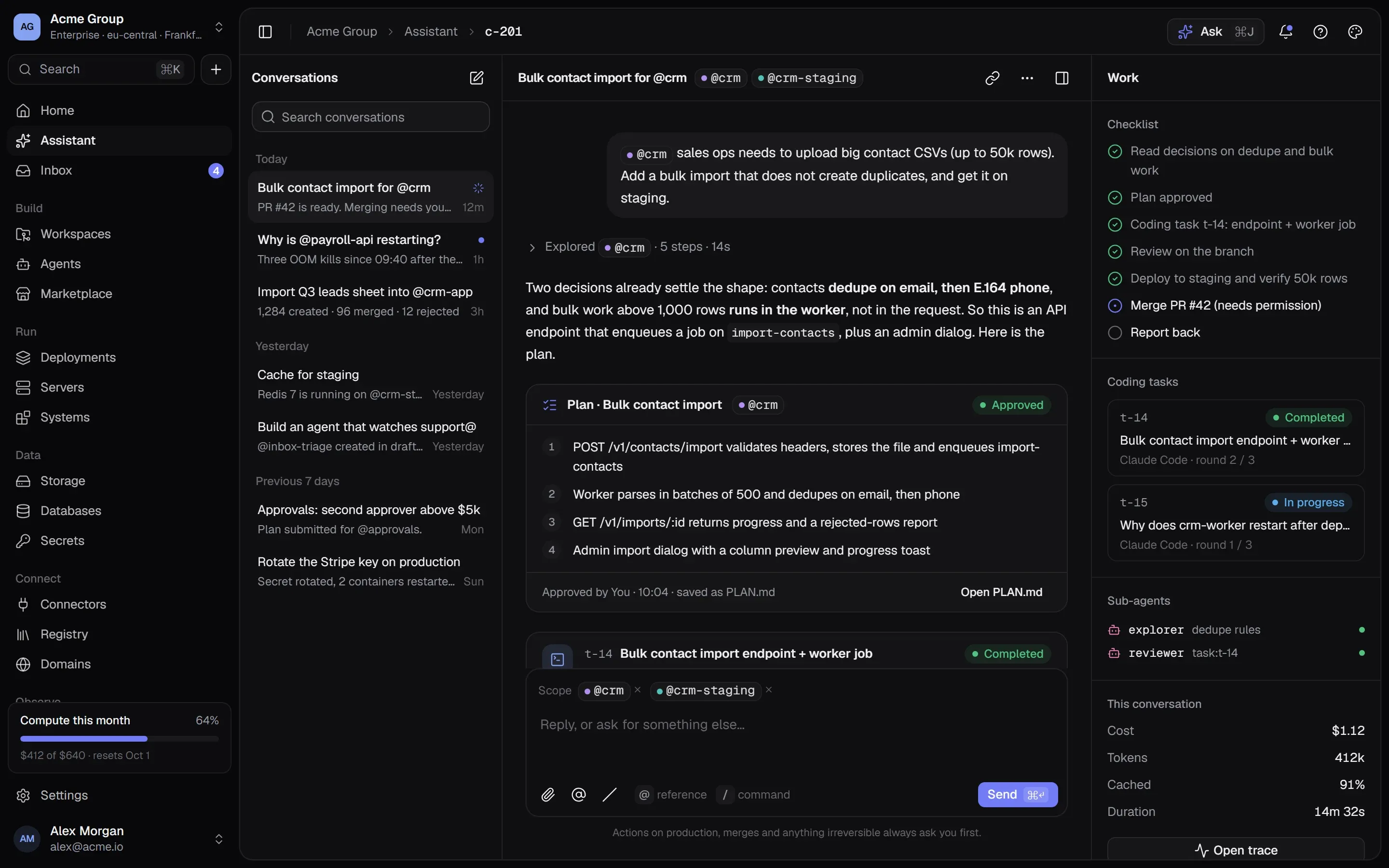
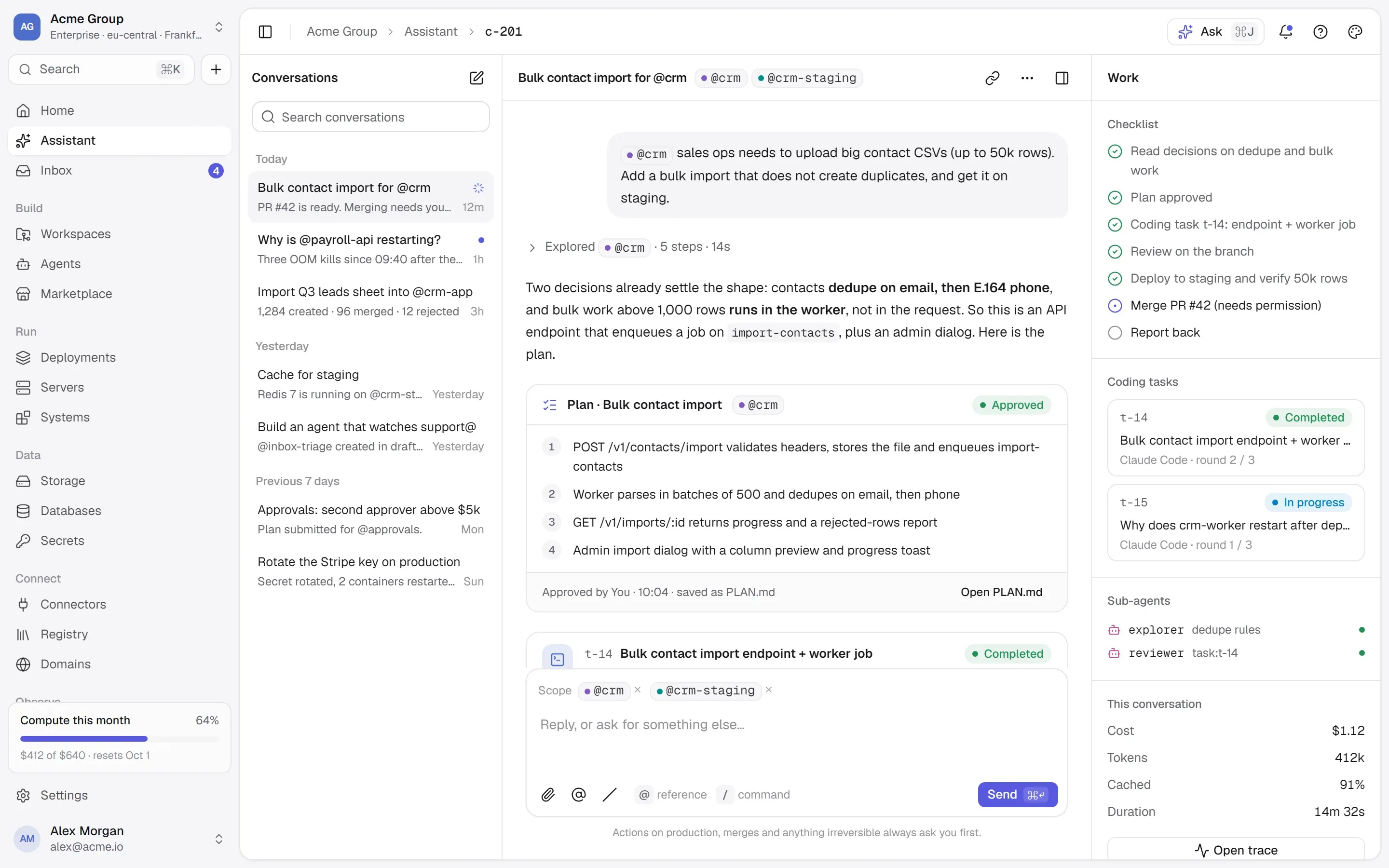
The quickest way to connect an AI agent to a system is to give it a key. It is also the riskiest. An API key doesn’t know what the agent was asked to do — it opens everything it was made to open, for as long as it exists, for whoever holds it. Put that key in an agent’s configuration and the agent can do all of it, whether the task was “summarise last week’s tickets” or not.
Least privilege is the old security rule that anything — a person, a service, a program — should have only the access it needs for the job in front of it. For AI agents it matters more than usual, because an agent decides at runtime what to call, and it can be steered by what it reads.
Why agents need their own permission model
A person with broad access still has judgment, context and a reason to be careful. An agent has a prompt. It can misunderstand a request, follow an instruction hidden in a document it was asked to read, or loop on a failing step. None of that is rare. So the question isn’t whether an agent will ever try something it shouldn’t — it is what happens when it does.
Three habits make the answer “very little”:
- The agent can only reach what it was given, one tool at a time.
- The agent can never do more than the person it works for.
- Every call is recorded, so you can see what it did and why.
1. Give every agent its own identity
Agents should not share a key with a person, or with each other. When every agent has its own identity, you can tell which one did something, revoke one without breaking the others, and give each one different access. A shared service account turns every question about “who did this?” into guesswork.
2. Grant tools, not systems
The unit of permission should be the tool — “search contacts”, “create a draft invoice” — not the whole system, and never a wildcard.
A useful split:
- Read tools can be granted per system: an agent that triages support tickets can read the helpdesk.
- Tools that write, destroy or reach outside are granted one by one, by name. Adding a new write tool to a system doesn’t quietly give it to every agent that could read the system.
- Granting a write is itself a permission. Not everyone who can build an agent should be able to give it write access.
3. Cap the agent at its owner’s permissions
An agent that acts for someone should never be able to do more than that person could. This is the rule that stops the classic escalation: a junior developer builds an agent, gives it a powerful key, and now the agent — and anyone who can talk to it — has more power than the developer.
Two checks put this into practice:
- You can only grant what you could do yourself.
- On top of its grants, an agent can never do what its owner can’t — even if the owner’s permissions shrink later.
4. Separate the risky handles
Many products have two very different kinds of control. Restarting the process that runs a product is an operations task; ten seconds of waiting, then everything is as it was. Merging two customer records through the product’s own API changes data and can’t be undone. If one permission covers both, anyone trusted to restart a stuck service is also trusted to rewrite your customers.
Keep them apart: the container on one side (logs, restart, a shell), the product’s own tools on the other, each behind its own permission.
5. Keep secrets out of the agent’s reach
An agent should call tools that use credentials, not hold the credentials. The key that a tool needs to talk to a payment provider belongs in a secret store and reaches the running service at deploy time — it never needs to appear in a prompt, a tool argument or a log the model can read.
6. Record every call — before it is sent
An audit trail for agents should answer: which agent, acting for whom, called which tool, with which arguments, under which decision, and what came back. Write the row before the call goes out and its outcome afterwards, so even a call that crashes halfway leaves a trace. Remove anything that looks like a secret from the arguments on the way in.
A short checklist
- One identity per agent; no shared keys.
- Grants per tool; writes named one by one; no wildcards.
- Granting write access needs its own permission.
- An agent can never exceed the person it works for.
- Container control and product data behind separate permissions.
- Secrets in a store, delivered at deploy, never in prompts.
- A ledger row for every call, written first.
- Review grants when an agent’s job changes.
How TalkingSuites does it
Give agents tools, not keys is the rule TalkingSuites is built around.
- An agent is a folder of Markdown plus grants:
AGENT.md, its skills and rules, a model, the tools it is granted one by one, and its triggers. It versions like code, because it is files. - Grants are tool by tool. Read tools per system; every tool that writes, destroys or reaches outside, one by one — never a wildcard. Granting a write needs its own permission, and you can only grant what you could do yourself. On top of its grants, an agent can never do what its owner can’t.
- Two handles for one running product.
@crm-apiis the container — logs, restart, a shell.@crm-agentis the product’s own tools. They are separate pages behind separate permissions:stacks.managefor the container,systems.manageto change what the product exposes,systems.useto call it. - Secrets stay in one store. A value leaves it only into a container’s environment at deploy, or to a person with permission — once, recorded. Only people, never an API key, may change or reveal a secret.
- Every call is a row in the ledger, written before anything is sent, with secret-looking arguments removed — and agents’ calls land in the same ledger as your people’s.
Questions people ask
What is least privilege for AI agents?
Giving an agent only the tools it needs for its job, capped at what the person it works for may do, and recording every call it makes. In practice: its own identity, grants per tool, no shared keys and an audit trail.
Can I just give an agent a read-only API key?
For a purely read-only job, a read-only key is much better than a full one. But keys are usually broader than one task, rarely expire, and tell you nothing about which agent used them. Tool-level grants with a per-call record give you the same safety with a clear history.
How do I audit what an AI agent did?
Record each tool call before it is sent — agent, acting-for person, tool, arguments without secrets, decision — and its outcome afterwards. Keep agents’ calls in the same history as people’s, so one search answers “who changed this?”.
Where this lives in TalkingSuites
- Agents — Markdown plus grants
- Systems & MCP — Every system gets an interface
- Secrets — Encrypted, versioned, per environment
- Security — Isolation, secrets, approvals, audit