A zero-downtime deploy replaces the running version of a service with a new one without anyone noticing: no failed requests, no error page, no gap. With Docker it comes down to one idea — start the new container, make sure it works, and only then remove the old one.
That idea is right for most services and badly wrong for some. This guide covers how to do it, the details that break it, and the containers that must be handled the other way round.
Why docker compose up -d causes a gap
When you change an image and run docker compose up -d, Compose stops the old container and then starts the new one. Between the two, nothing is answering. If the new version fails to start, nothing answers at all until you notice.
For a side project that is fine. For anything people use, you want the order reversed.
Start beside, then switch
The zero-downtime pattern has four steps:
- Start the new container beside the old one, under a temporary name, with the same network and configuration.
- Wait for it to be healthy — not just started.
- Move traffic to it. A reverse proxy in front switches its upstream; or the new container takes over the name other services use to reach it.
- Stop the old container gracefully and remove it.
If step 2 fails, remove the new container and stop. The old one never stopped serving, so a broken release costs nothing but a failed deploy message.
Health checks: “started” is not “ready”
A container that has started may still be loading configuration, running migrations or waiting for its database. Give it a health check that proves it can do real work:
HEALTHCHECK --interval=5s --timeout=3s --start-period=20s --retries=5 \
  CMD curl -fsS http://localhost:8080/health || exit 1
Make the /health endpoint check what the service actually needs — a database connection, a cache — but keep it fast and free of side effects. Docker then reports the container as starting, healthy or unhealthy, and your deploy waits for healthy before switching.
Shut down gracefully
When the old container is stopped, Docker sends SIGTERM and waits — 10 seconds by default — before SIGKILL. Your service should use that time to stop accepting new connections and finish the requests it already has. If it ignores SIGTERM, in-flight requests are cut off even though the new version is already serving. Raise the grace period with stop_grace_period (Compose) or --stop-timeout if requests can take longer.
Migrations: make them backwards compatible
For a moment, the old and new versions run at the same time against the same database. So a migration must work for both. The usual approach is expand, then contract:
- Expand: add the new column or table; keep the old one. Deploy code that writes both.
- Migrate existing data.
- Contract: once nothing reads the old column, remove it in a later deploy.
Renaming a column in one step is the classic way to turn a zero-downtime deploy into an outage.
The containers that must stop first
Start-beside-then-switch assumes two copies can run at once. Some containers can’t:
- Databases and anything else that keeps data in a volume. Two MariaDB or PostgreSQL processes on one data folder is how data gets corrupted. Most engines refuse to start beside another one on the same files — and a deploy that tries will hang and fail, sometimes leaving a second container behind.
- Containers that publish a port on the server. Only one process can bind port 5432 or 443 on a machine. The new container can’t start while the old one holds it.
For these, reverse the order — carefully:
- Stop the old container and set it aside under a temporary name; don’t delete it.
- Start the new one.
- If it comes up healthy, remove the old one. If it doesn’t, start the old one again under its own name.
The service is unavailable for the seconds the new container takes to start, but it is never stranded and data is never shared.
Always keep the way back
Even a healthy release can be wrong. Keep a record of what each deploy ran — image, variables, which version of each secret — so a rollback is a deploy of the last good state, not a reconstruction from memory.
A checklist
- Health check that proves the service is ready, not just started.
- Start beside, switch, then stop the old one.
- Handle
SIGTERM; set a grace period that fits your slowest request. - Migrations that work for the old and new versions at once.
- Stop first — with a way back — for databases, volumes and published ports.
- A record of every deploy, so rollback is one step.
How TalkingSuites deploys containers
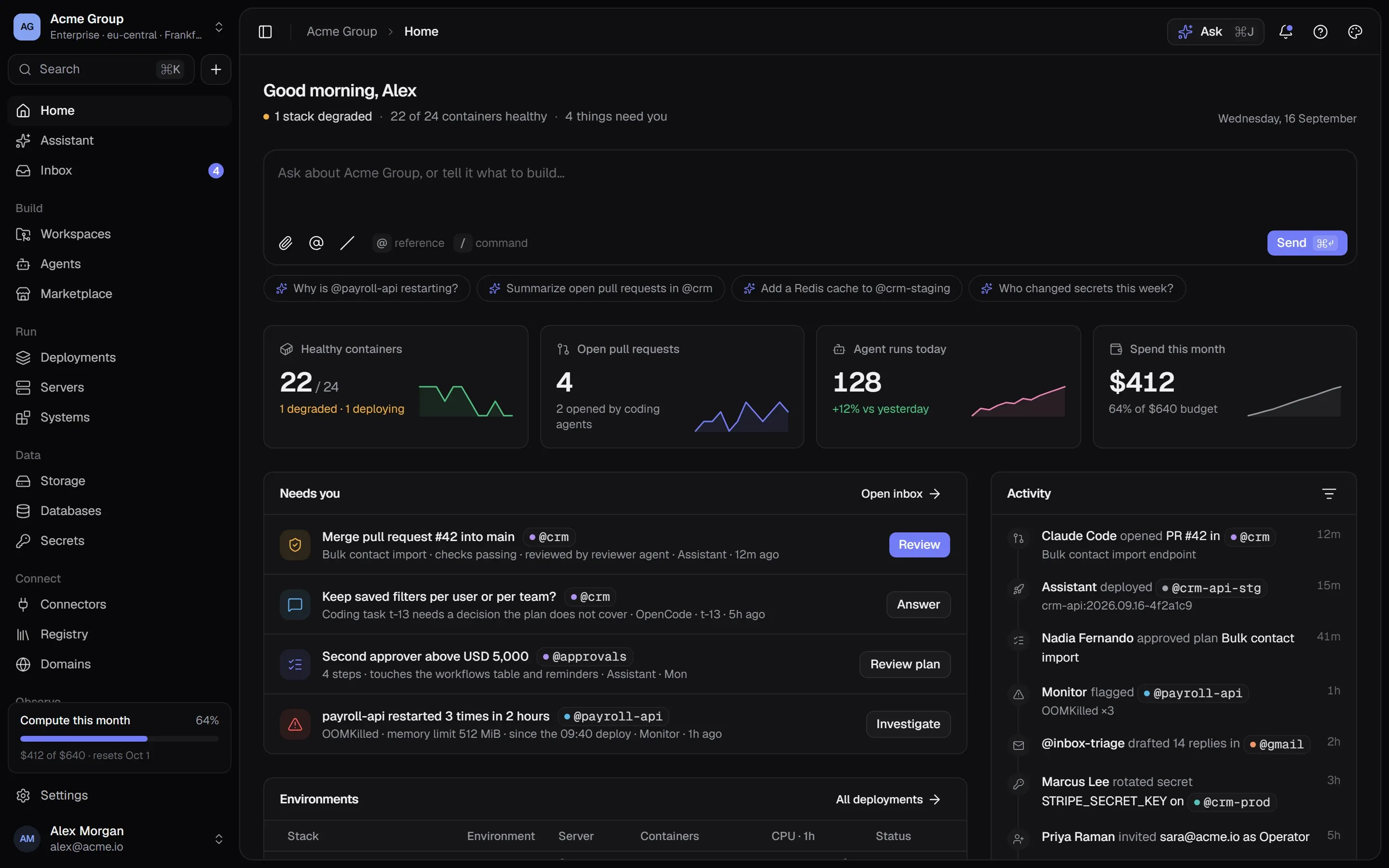
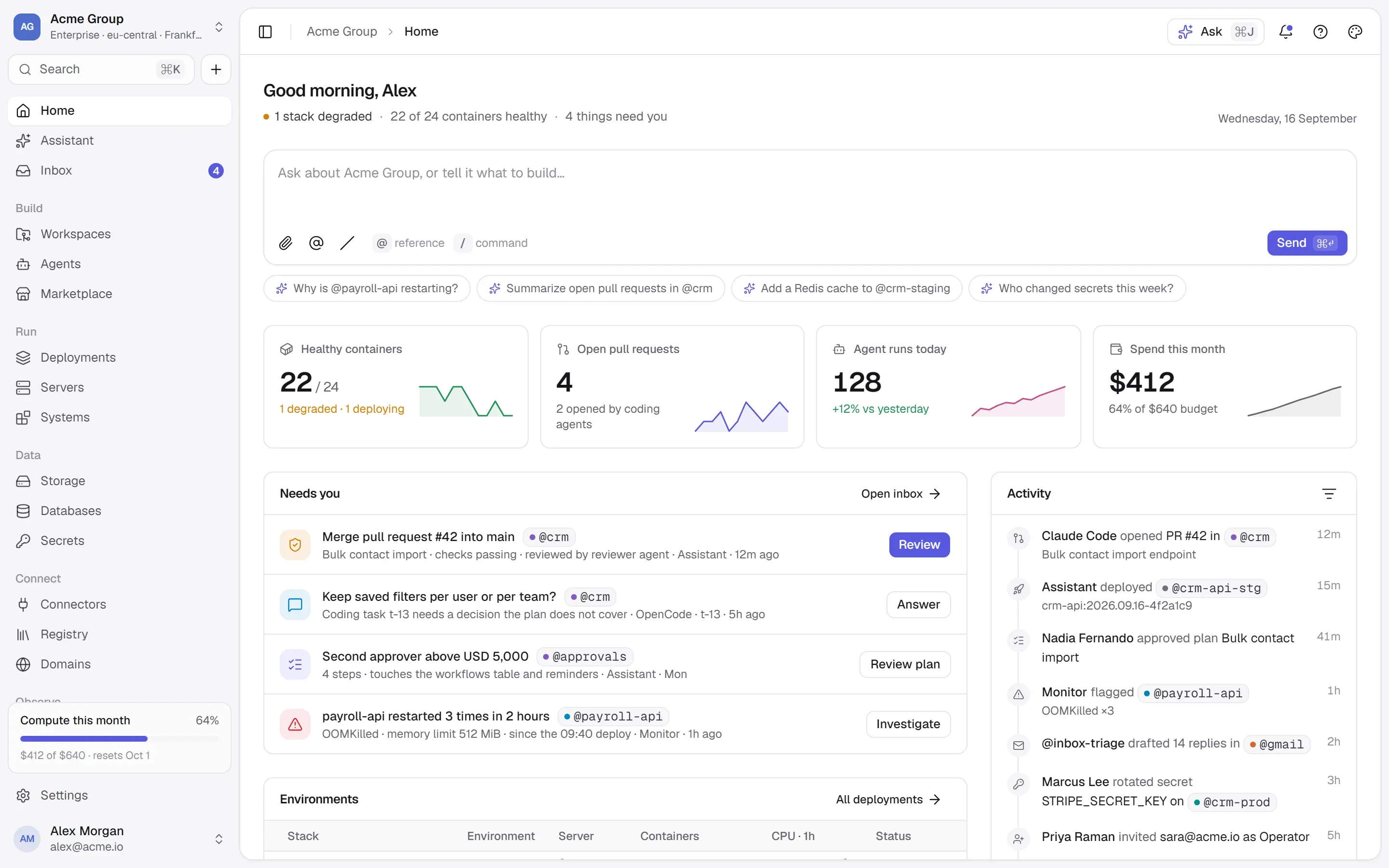
In TalkingSuites, a container is never edited in place: a change is a new container, and the old one goes only when the new one works.
- The platform decides the order, with the reason on every screen. Anything that keeps data in a volume, every database included, and anything that publishes a port on the server, is stopped first, set aside, and started again if its replacement doesn’t come up. Everything else starts beside the running one and takes over with no gap.
- The new container has to pass its health check before the old one goes. If it fails, the deploy says why, and nothing changed for the people using it.
- Every deploy opens a review first: the steps and the exact Docker commands, who can reach each port, every variable by where its value comes from, and any warning. Secrets appear by name, never by value. Nothing runs until someone ticks “I have checked what will run” — and the server checks again that the plan hasn’t changed since.
- One name on both sides. A container is called the same thing on the page and in
docker ps, and a deploy never takes over a name or a port that belongs to something else — including a container someone started by hand. - Rollback is a deploy of a known state: each deploy records exactly what it ran, including which version of each secret it was given.
Questions people ask
Can Docker Compose do zero-downtime deploys?
Not on its own: docker compose up -d stops the old container before starting the new one. You can get zero downtime with Compose by starting a second copy, waiting for its health check, switching a reverse proxy and then removing the old copy — by hand, with a script or a plugin, or with a platform that does it for you.
Do I need Kubernetes for zero-downtime deployments?
No. Kubernetes does rolling updates, but the same pattern — start beside, health check, switch, stop gracefully — works with plain Docker on one server. What matters is the order, the health check and the way back.
How do I redeploy a database container without losing data?
Keep the data in a volume, stop the old container first (never run two copies on the same data folder), start the new one on the same volume, and keep the old container aside until the new one is healthy so you can start it again if it isn’t. Take a backup before any change of major version.
Where this lives in TalkingSuites
- Deployments — Stacks, networks, health-checked deploys
- Databases — 19 engines with backups
- Servers — Sizes, schedules, backups, a terminal